For over a decade, Magento (Adobe Commerce) was the default choice for serious eCommerce brands that needed deep customization, unlimited attribute sets, and multi-warehouse control. But in 2026, the operational cost of maintaining a self-hosted or Adobe Cloud instance has caught up with merchants.
Constant PHP and security patch cycles, fragile module dependencies, unpredictable cloud hosting bills, and the endless treadmill of version upgrades have pushed enterprise retailers toward modern SaaS platforms: Shopify Plus and BigCommerce.
However, leaving Adobe Commerce is not a simple "export to CSV and import" exercise. Magento's Entity-Attribute-Value (EAV) database architecture is fundamentally different from modern cloud platforms. Rushing a migration risks broken product variations, lost SEO rankings, and fragmented order histories. Here is the technical blueprint we use to guide mid-market and enterprise brands through a clean cutover.
Why Brands Are Leaving Adobe Commerce
Merchants who reach out to us for Magento replatforming almost always cite the same three operational pain points:
- Total Cost of Ownership (TCO) creep: Between dedicated AWS/Adobe Cloud hosting infrastructure, staging clusters, CDN fees, and high-retainer certified Magento developers just to keep the lights on, maintaining Magento often costs $150k–$400k+ annually before building a single new revenue-generating feature.
- Upgrade and security fatigue: Security patches, Adobe quarterly releases, and third-party extension compatibility require constant maintenance sprints. If an upgrade breaks a checkout module or payment gateway, sales grind to an immediate halt.
- Slow feature velocity: While competitors launch headless campaigns, AI-assisted search, and automated marketing flows in days, implementing similar changes in a monolithic Magento codebase often takes months of custom module development.
Shopify Plus or BigCommerce: Picking Your Target Platform
Both platforms deliver reliable multi-tenant SaaS reliability, 99.99% uptime, and zero server maintenance. But depending on your catalog structure, one is usually a more natural transition from Magento:
- Choose BigCommerce if you have deep catalog complexity: Magento merchants with complex product configurations (e.g., 200+ variant combinations per SKU, custom modifier fields, complex B2B pricing, or automotive Year-Make-Model lookups) often find BigCommerce's flexible catalog architecture and native B2B Edition closer to Magento's capability set without requiring custom app workarounds.
- Choose Shopify Plus if checkout optimization and scale are paramount: Shopify Plus offers the highest-converting checkout in eCommerce, world-class Shop Pay adoption, an unmatched app ecosystem, and streamlined multi-store management. It is ideal for brands looking to simplify their technology stack and focus entirely on brand velocity.
The 5 Critical Migration Streams
A successful replatforming breaks down into five parallel engineering tracks:
1. Catalog Schema Transformation (EAV to Relational/GraphQL)
Magento stores product data in an Entity-Attribute-Value (EAV) schema. Translating this into Shopify's or BigCommerce's data model requires careful field mapping:
- Configurable products vs Variants: Magento's configurable products (which link individual simple products) must be mapped to platform variants. For Shopify, you must respect the 100-variant limit per product (unless using Shopify's updated 2,000-variant APIs) or split sprawling configurable items cleanly.
- Custom attributes to Metafields: Custom attribute sets (e.g., fabric type, dimensions, warranty periods, compliance tags) should be transformed into structured Metafields rather than crammed into the HTML product description.
- Bundles, grouped, and downloadable products: Magento's native bundled and grouped product types require specialized bundle apps on Shopify or custom option rule sets on BigCommerce.
2. Customer Account & Password Migration
Customer passwords in Magento are hashed using SHA-256 with cryptographic salts. Because modern SaaS platforms do not have access to cleartext passwords, passwords cannot simply be imported:
- Shopify Multipass: On Shopify Plus, you can use Multipass tokens to seamlessly authenticate customers who click links in marketing emails or reset notifications.
- Password activation campaigns: Deploy an automated email sequence prompting customers to set a new password on the new platform, often incentivized with a welcome discount or loyalty points.
- Customer addresses & B2B accounts: Multiple billing and shipping addresses must be imported and associated with the correct company entity in the new B2B portal.
3. Historical Orders & Financial Data
Decide early how much historical order data needs to live inside the new storefront:
- We recommend migrating 2 to 3 years of order history to enable customer self-service returns and repeat ordering. Older archive data (5+ years) should remain safely in your ERP, data warehouse, or a read-only reporting database.
-
Preserve original order numbers wherever possible (or append a clear prefix like
MIG-) to avoid confusion in customer support tickets and ERP accounting reconciliation.
4. SEO Preservation: The 301 Redirect Architecture
A drop in organic traffic is the single greatest risk in any replatforming project. Magento URL structures differ significantly from Shopify and BigCommerce:
- URL mapping matrix: Crawl your entire Magento site using Screaming Frog or Sitebulb to map every canonical URL, category page, blog post, and CMS page to its exact new destination.
-
URL rewrites: Shopify forces specific URL prefixes (
/products/and/collections/). Ensure every indexed Magento URL has an explicit 301 permanent redirect in place before launch day. - Category and facet pagination: Preserve canonical tags on paginated collections to avoid search engine index bloat.
5. ERP, WMS & Third-Party Middleware Integration
Your eCommerce store does not exist in a vacuum. Replatforming requires rebuilding or updating the integrations connecting your storefront to your backend infrastructure:
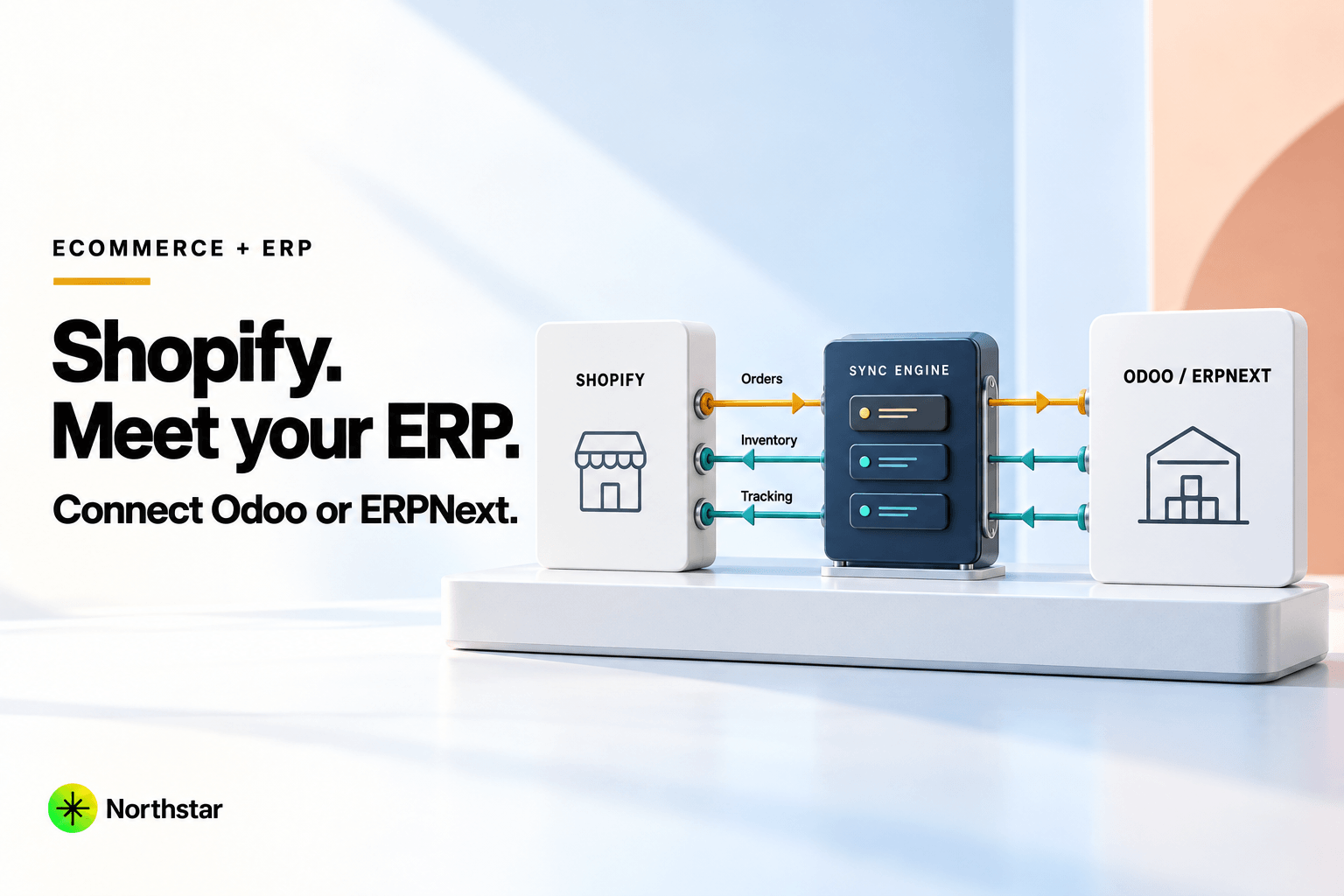
- Audit all existing Magento cron jobs and custom extensions that push orders to your ERP (such as SAP, NetSuite, Odoo, or ERPNext).
- Build event-driven webhook middleware with dead-letter queueing to ingest orders into your fulfillment pipeline in real time.
- Perform dry-run sync tests with hundreds of simulated test orders across complex shipping tiers and tax rules before go-live.
The Cutover Sequence
On launch week, follow a strict cutover protocol:
- Full Delta Sync: 24–48 hours prior to launch, run an incremental delta sync of customers and catalog updates that occurred since the initial data migration.
- Maintenance Window / Freeze: Put the Magento storefront in read-only maintenance mode late at night during your lowest traffic window.
- Final Order Catch-Up: Ingest any pending orders placed in the final hours into the ERP and verify reconciliation.
- DNS Cutover: Switch DNS records (A and CNAME records) pointing your domain to the new platform CDN.
- Smoke Testing: Run end-to-end checkout tests with real payment cards, test tracking webhooks, and verify 301 redirects across high-traffic organic landing pages.
Replatform Cleanly with Northstar
Migrating away from Magento is an opportunity to eliminate technical debt and give your brand a high-speed, modern foundation for the next decade of growth.
Explore our Shopify Plus development services and BigCommerce development services to learn how we help enterprise brands replatform. Read our Just Nutritive migration case study, or reach out for a full architectural audit of your current Magento store.