When an eCommerce business scales past a few thousand monthly orders, managing operations across disconnected systems becomes unsustainable. Spreadsheets fail, warehouse teams process orders manually, and overselling inventory on flash sales leads to frustrated customers and chargebacks.
For high-growth merchants seeking to avoid the crippling per-seat costs of legacy proprietary ERPs (like NetSuite or SAP), pairing Shopify with an open-source business management powerhouse like Odoo or ERPNext is one of the most cost-effective operating models available today.
However, connecting a dynamic retail storefront to a rigorous double-entry accounting and warehouse ERP is rarely as simple as installing a generic marketplace connector. Here is a practical engineering guide on how to architect a reliable Shopify-to-ERP integration that scales gracefully under heavy order volume.
Why Generic Connector Apps Often Fail at Scale
Most out-of-the-box Shopify app connectors are built for low-volume merchants with simple catalogs. When catalog complexity grows or order spikes hit, standard connectors encounter predictable failure points:
- Shopify API rate limit throttling: Standard REST connector apps make individual API calls for every product update or stock change. During peak sales, they hit Shopify's leaky-bucket rate limits and fail silently.
- Variant mapping collisions: Shopify treats color and size combinations as flat variants under a product parent, whereas ERPs often treat items as discrete stock keeping units (SKUs) tied to bills of materials (BOMs), multiple supplier codes, or matrix attributes.
- Fragile batch polling: Running cron jobs every 15 minutes to scan for new orders creates lag. In fast-moving drops, products can sell out ten minutes before the ERP realizes stock was depleted, triggering massive overselling.
- Tax and discount reconciliation nightmares: Handling line-item discounts, shipping taxes, gift cards, and multi-currency conversions across double-entry ledgers requires strict financial logic, not rough rounding estimates.
The Three Core Integration Workflows
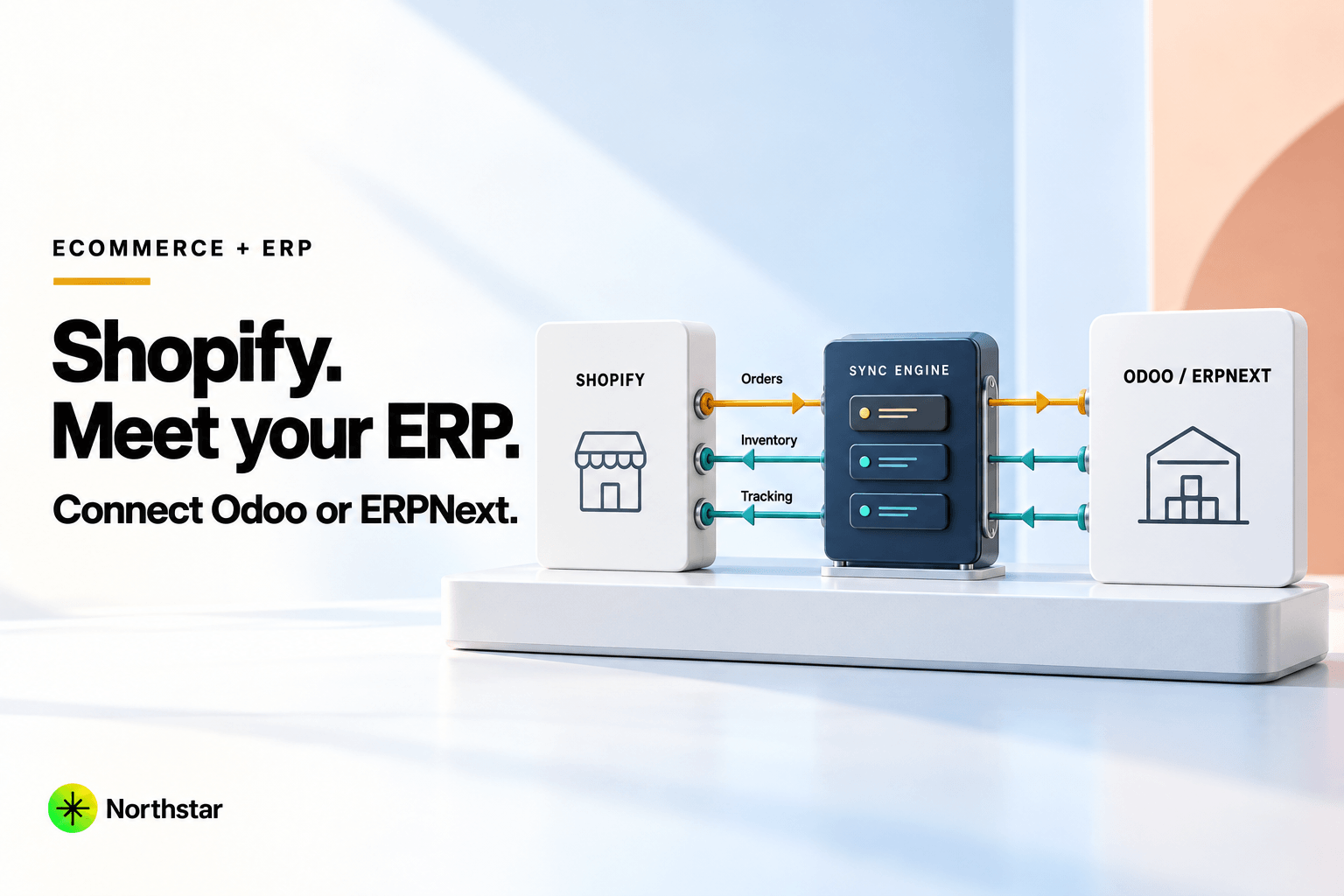
A production-ready integration consists of three distinct data pipelines, each with its own directional flow and synchronization rules:
1. Inventory Synchronization (ERP → Shopify)
Your ERP must always remain the single source of truth (SSOT) for physical inventory. It accounts for warehouse receipts, purchase orders, B2B reserved stock, damaged goods, and multi-location transfers.
- Available to Promise (ATP): The number sent to Shopify should not be total physical inventory; it must be Physical On-Hand minus Allocated Unfulfilled Orders minus Safety Buffer.
- Event-driven delta updates: Instead of syncing the entire 20,000-SKU catalog periodically, trigger updates only when a specific SKU's ATP changes in Odoo or ERPNext.
- Multi-location inventory: Map discrete Shopify fulfillment locations directly to corresponding warehouses or bin locations within your ERP.
2. Order Ingestion & Routing (Shopify → ERP)
When a checkout completes on Shopify, the order must transition cleanly into your ERP fulfillment workflow:
-
Webhook capture with idempotency: Subscribe to Shopify's
orders/createandorders/paidwebhooks. Store the payload in an event queue and enforce idempotency using Shopify's order ID to ensure duplicate webhook deliveries never create duplicate sales orders. - Customer deduplication: Match incoming customers by verified email address or tax ID in the ERP to avoid creating thousands of duplicate contact records.
- Automated stock reservation: Immediately create a reserved delivery order in Odoo or a Sales Order reservation in ERPNext to lock inventory before warehouse picking begins.
3. Fulfillment & Tracking (ERP → Shopify)
Once warehouse staff scan items, pack boxes, and generate courier labels in the ERP:
- The ERP captures the tracking number and carrier code (e.g., FedEx, DHL, USPS).
- An API call triggers a fulfillment event in Shopify via the FulfillmentOrder API.
- Shopify automatically sends the branded shipping notification email to the customer with live tracking links.
- Split shipments and partial fulfillments are tracked seamlessly across line items.
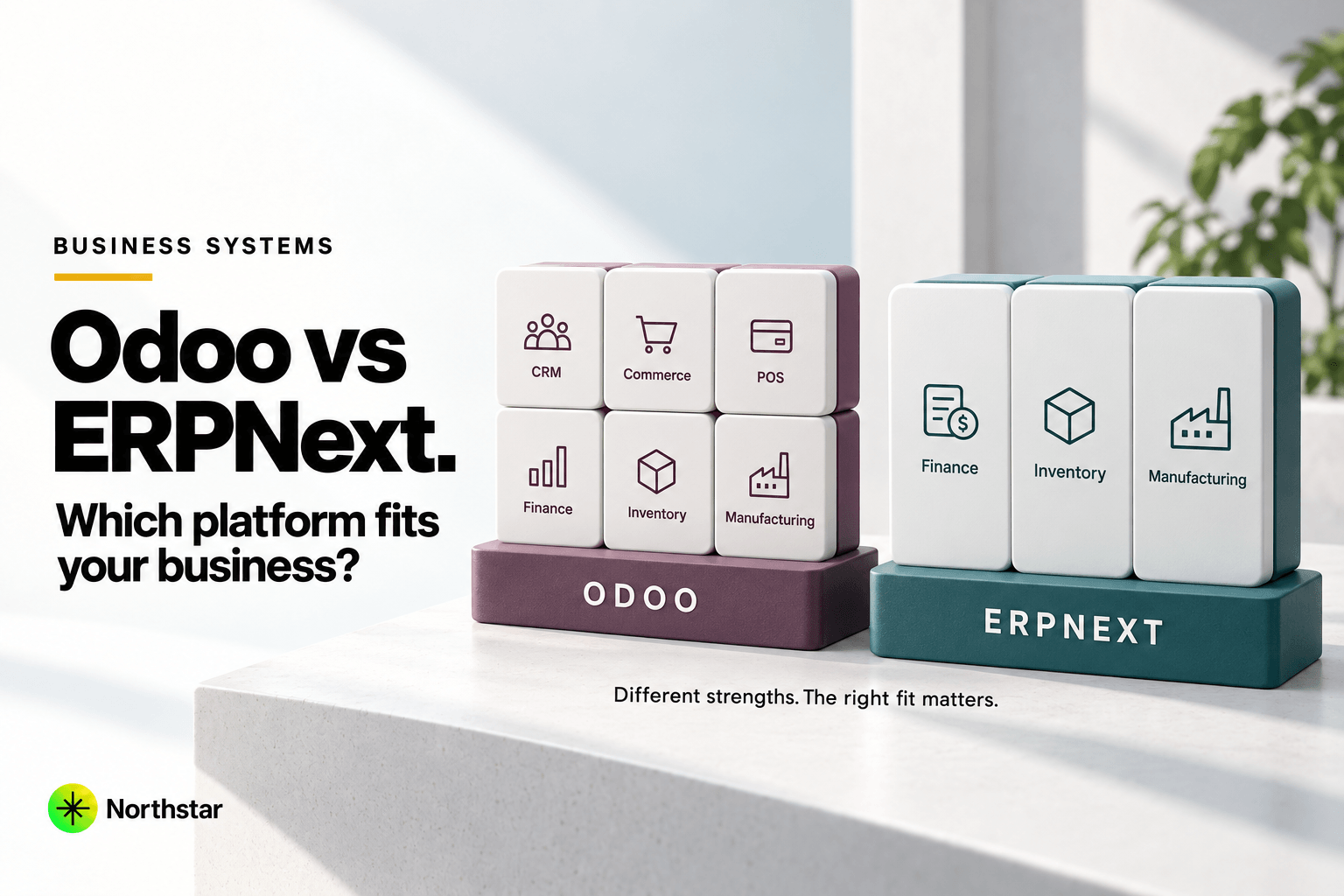
Odoo vs ERPNext: Which Fits Your Shopify Stack Better?
Both platforms excel at ERP fundamentals, but their architectures offer distinct advantages depending on your setup:
- Odoo: Shines if you need a pre-built ecosystem with extensive POS and warehouse barcode scanning support out of the box. Odoo's ORM and enterprise APIs make building custom controllers straightforward. However, Odoo Enterprise licensing costs apply as your operational team grows.
- ERPNext (Frappe): Completely 100% open source with zero per-user licensing fees. Its Python-based Frappe framework offers native webhook handlers, built-in REST APIs, DocType scripting, and robust manufacturing / multi-level BOM tracking. For brands with high warehouse headcount or custom fabrication workflows, ERPNext delivers exceptional ROI.
Handling Financial Edge Cases
The real test of an ERP integration isn't when orders go smoothly—it's when exceptions happen:
- Returns and partial refunds: When a customer returns one item from a three-item order, Shopify issues a partial credit. The integration must generate a matching Credit Note in the ERP, reverse the corresponding COGS entry, and prompt warehouse inspection before returning the SKU to available stock.
- Payment gateway fee reconciliation: Shopify Payments, Stripe, or PayPal deduct processing fees before remitting funds to your bank account. Mapping gross sales, net deposits, and gateway fee expense accounts ensures your financial controller doesn't spend days reconciling monthly bank statements.
- Gift cards and store credits: Treat gift card purchases as deferred liability, recognizing revenue only when the gift card is redeemed at checkout.
How Northstar Implements Enterprise Integrations
Northstar specializes in both sides of the modern retail equation: high-converting eCommerce storefronts and robust open-source ERP systems. Instead of relying on fragile point-to-point plugins, we architect resilient middleware pipelines featuring asynchronous message queuing, automatic retries, and comprehensive error logging.
Whether you are planning a fresh implementation or rescuing a failing sync pipeline, explore our Odoo development services and ERPNext development services, or read our guide on Odoo vs ERPNext comparison. Ready to streamline your retail operations? Schedule a consultation with our integration engineers.