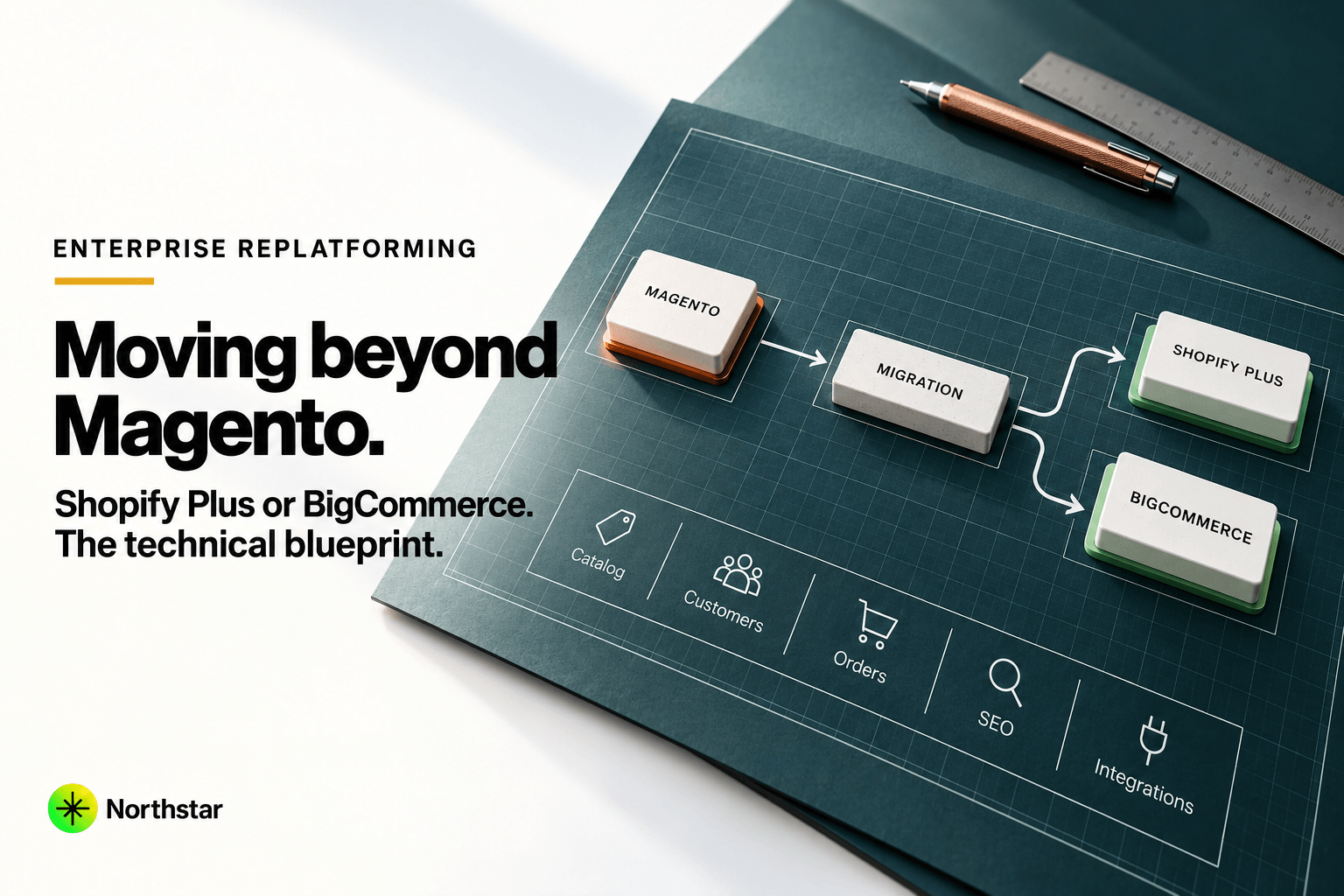
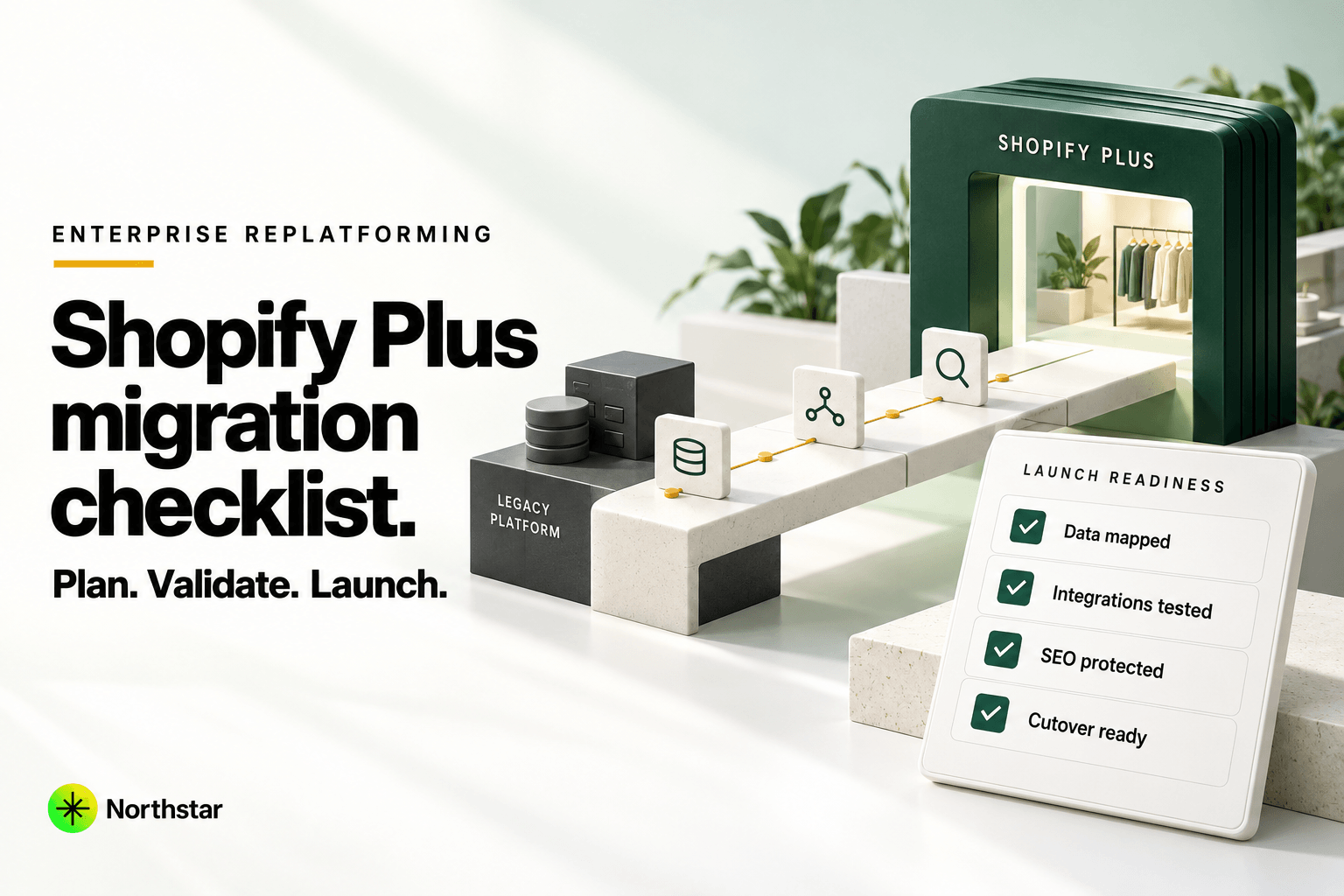
Migrating an enterprise storefront to Shopify Plus is not a lift-and-shift - it's a re-platforming project that touches data, integrations, SEO, and every team that depends on the storefront. Rushing the checklist is the single biggest cause of launch-week fires. Here's the sequence we walk enterprise brands through before a Shopify Plus migration goes live.
1. Audit Before You Plan
- Catalog complexity: variant count, custom attributes, multi-currency/multi-language SKUs.
- Order history: how many years of history need to migrate vs. archive read-only.
- Integrations in use today: ERP, PIM, loyalty, tax engine, subscriptions, marketing automation - list every system that talks to the current storefront.
- Custom checkout logic: any business rules baked into checkout on the legacy platform need a Shopify Plus equivalent, usually via Checkout Extensibility.
Skipping this step is how teams discover mid-migration that a "small" custom checkout rule actually blocks the whole B2B channel.
2. Map Data Before You Move It
Product, customer, and order data rarely map 1:1 between platforms. Build an explicit field mapping between your legacy schema and Shopify's object model (products, variants, metafields, customer tags) before running any migration tooling. This is where most "the data looks wrong" launch-week issues originate - not the migration tool itself, but an unmapped or mis-mapped field.
- Map custom product attributes to Shopify metafields, not just tags - tags don't scale for structured data.
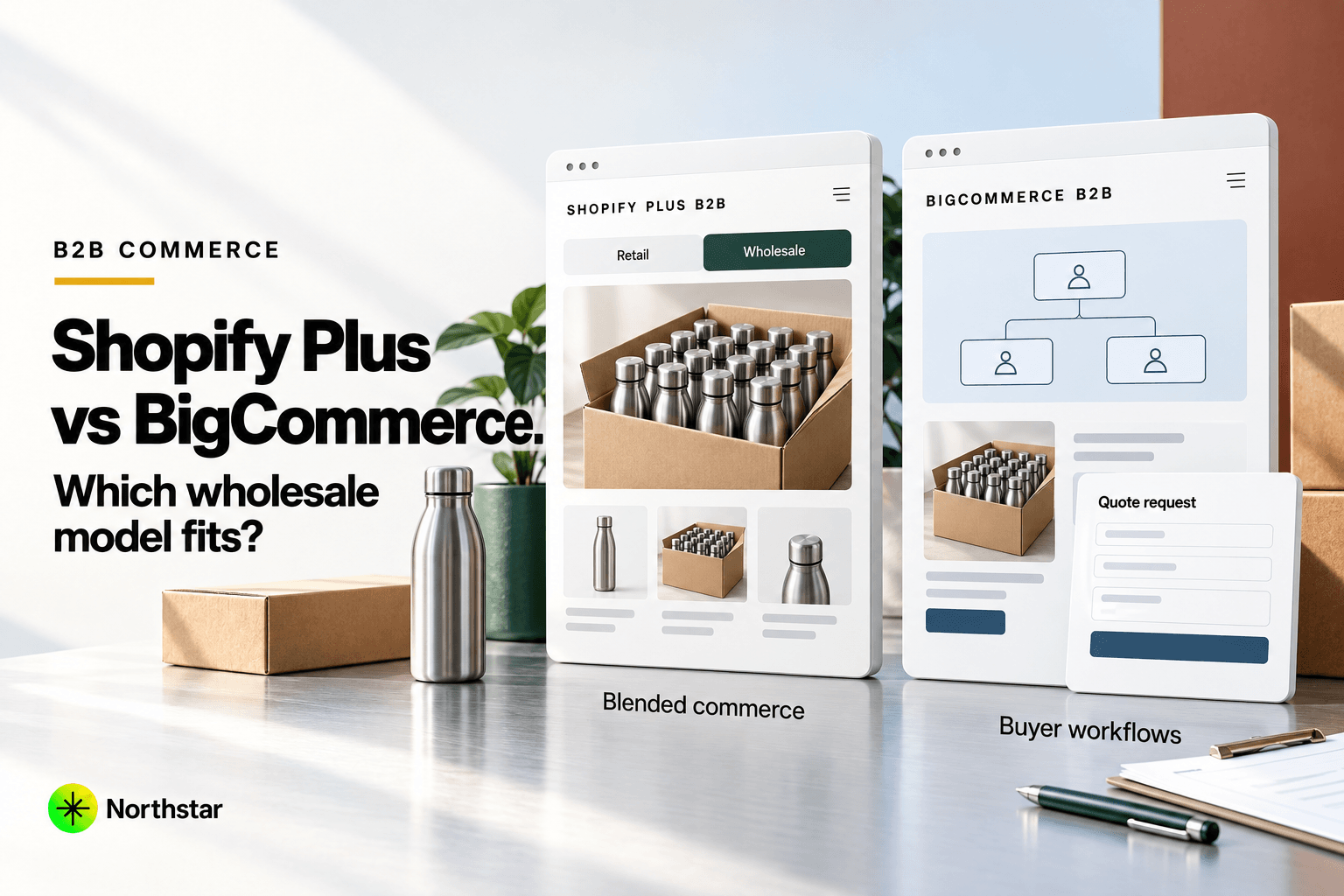
- Decide how B2B pricing tiers and customer groups map to Shopify Plus's B2B features or a wholesale channel app.
- Confirm multi-currency and multi-market handling matches your current regional pricing strategy.
3. Rebuild Integrations, Don't Just "Connect" Them
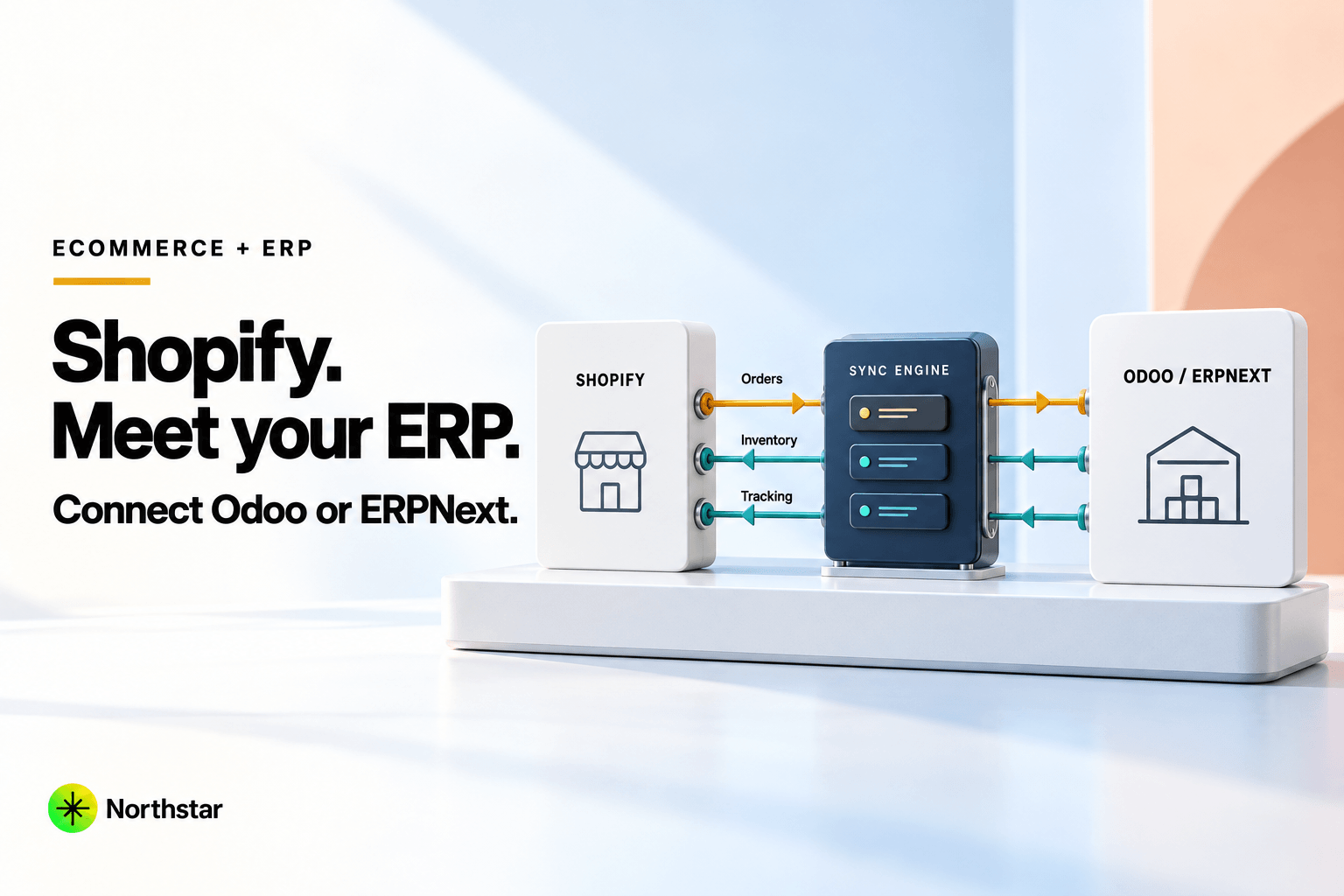
Every integration (ERP, OMS, tax, loyalty) needs to be re-implemented against Shopify's Admin API and webhook model, not assumed to "just work" via a generic connector. Real-time inventory sync and order webhooks in particular need load testing before Black Friday-level traffic, not after.
4. Protect SEO Through the Migration
This is the step most commonly under-scoped, and the one most likely to tank organic traffic post-launch if skipped:
- 301 redirect map from every indexed legacy URL to its new Shopify Plus equivalent - not just top-level categories, individual product and blog URLs too.
- Preserve URL structure where possible, or accept the redirect cost of changing it.
- Re-implement structured data (Product, BreadcrumbList, Organization) that existed on the legacy site - it does not carry over automatically.
- Submit a fresh sitemap to Search Console on launch day and monitor Coverage reports for crawl errors in the first two weeks.
- Keep title tags and meta descriptions from ranking pages intact unless you have a specific reason to change them - migrations are not the time to also rewrite on-page SEO.
5. Test at Realistic Scale
Load-test checkout and inventory sync at your actual peak traffic profile, not average traffic - enterprise brands migrating ahead of a peak season (holiday, product drop) need to know checkout holds under real concurrency before launch day, not during it.
6. Plan the Cutover Window
- Freeze legacy platform order entry during final data sync to avoid orphaned orders.
- Have a rollback plan and a clear go/no-go checklist, not just a launch date.
- Staff support and engineering for the first 48–72 hours post-launch - this is when integration edge cases surface.
7. Don't Skip Post-Launch Monitoring
The first two weeks after cutover are when redirect gaps, missing metafields, and integration edge cases actually surface. Monitor Search Console coverage, 404 rates, checkout conversion rate, and integration error logs daily until they stabilize - not just on launch day.
Getting the Sequencing Right
Most migration problems come from doing these steps out of order - connecting integrations before the data model is mapped, or freezing SEO redirects as an afterthought instead of a launch blocker. See our Shopify Plus development services for how we structure enterprise migrations end to end, Shopify development for mid-market builds, and our Shopify development cost guide when you need budget ranges. Or get in touch for a scoped migration plan for your current platform and catalog.